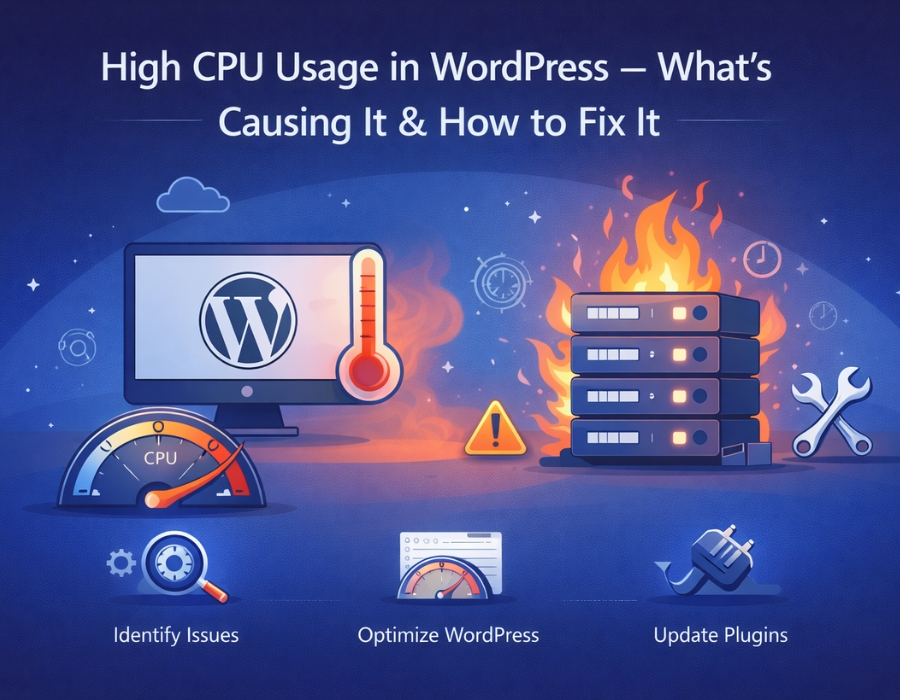
When your server CPU usage is running high, it basically means your site is demanding more resources than it should be. And if you leave it unchecked, that’s when you start noticing slowdowns, pages timing out, or the site going down temporarily.
The frustrating part is that it’s rarely one obvious thing causing it. It’s usually several smaller issues that have built up quietly over time.
Here’s what’s typically behind it and how to deal with it:
Let’s see what’s actually causing it?
Plugins Are Usually the First Thing to Look At
Plugins are easy to accumulate. You install one to test something, forget about it, install another, and before long you’ve got 25 running at once. The thing is, even plugins you’re not actively using can still be doing things in the background — running scheduled tasks, making database requests, loading scripts.
Poorly coded plugins are even worse. Some of them are just badly built and hammer your server constantly without any obvious reason. If your site slowed down noticeably after installing something specific, that’s not a coincidence.
Your Hosting Might Just Not Be Enough
A lot of people underestimate how much hosting affects performance. On a shared hosting plan, your site is sitting on the same server as potentially hundreds of other websites. When those sites get busy, your resources get squeezed too — even if your own site is perfectly optimized.
Sometimes the issue isn’t anything wrong with your site at all. It just doesn’t have enough server resources to run properly.
Sudden Traffic Spikes
A post going viral, a campaign driving a lot of clicks, or even getting featured somewhere unexpectedly — any of these can send a wave of visitors to your site at once. If your hosting isn’t set up to handle that kind of sudden demand, CPU usage shoots up fast, and things start breaking.
Bots Hitting Your Site
This one flies under the radar for a lot of site owners. A significant chunk of internet traffic isn’t real people — it’s automated bots. Some are harmless crawlers, but others are constantly trying to brute force your login page, scrape your content, or spam your forms.
Your server has to respond to all of these requests regardless of where they’re coming from. Over time, that adds up to a meaningful amount of unnecessary load.
No Caching Set Up
Without caching, WordPress builds every single page from scratch every time someone visits. That means database queries, PHP processing, everything — repeated over and over for each visitor.
Caching saves a pre-built version of your pages and just serves that instead. The server does a fraction of the work, and your site loads faster. It’s one of the highest impact changes you can make.
A Bloated Database
Every draft you’ve ever saved, every post revision, every spam comment, every bit of leftover data from plugins you deleted — it all stays in your database unless you clean it out.
On its own, none of it is a big deal, but over months and years, it builds up into something that genuinely slows down database queries and puts extra pressure on your server.
Badly Built Themes or Plugins
Quality varies a lot in the WordPress ecosystem. Some themes and plugins are lean and well-optimized. Others load unnecessary scripts on every page, run processes they don’t need to, or use outdated code that just isn’t efficient anymore. Even one poorly built theme can add more load than a dozen good plugins combined.
Here are the steps on how to actually fix it:
1. Go Through Your Plugins
Start here. Open your plugin list and be honest about what you actually need. Deactivate and delete anything you’re not using. Where you have multiple plugins doing similar things, consolidate. If something is known to be heavy, look for a lighter alternative that does the same job.
Test your site speed before and after making changes so you can see what’s actually making a difference.
2. Get Caching Running
If you don’t have a caching plugin installed, do it now. It’s one of the quickest wins available, and you’ll usually notice the improvement straight away. Most caching plugins are straightforward to set up and free to use.
3. Clean Up Your Database
You don’t need to do this constantly, but running a database cleanup every couple of months makes a real difference. Get rid of old post revisions, clear out spam, and remove leftover plugin data.
A leaner database runs faster and puts less strain on your server.
4. Cut Out Bot Traffic
A security plugin with a firewall can block a lot of bot traffic before it even reaches WordPress. Limiting login attempts is another easy one — it stops brute force attacks from hammering your login page repeatedly.
These small changes can take a surprising amount of unnecessary load off your server.
5. Upgrade Your Hosting if You’ve Hit the Ceiling
If you’ve worked through everything above and your CPU usage is still high, you might have simply outgrown your current hosting plan. There’s no fix for not having enough resources other than getting more of them.
Moving to a better plan or a VPS can solve problems overnight that no amount of optimization would fix.
6. Stay on Top of Updates
Keeping WordPress, your plugins, and your theme updated is basic maintenance, but it genuinely matters for performance. Updates regularly include efficiency improvements and bug fixes that affect how hard your site has to work.
Falling behind on updates means you’re running code that’s slower than it needs to be.
Final Thoughts
High CPU usage sounds like a serious technical problem, but it almost always comes back to the same handful of things. Plugins, caching, database clutter, bad traffic, and hosting limits — work through these one at a time, and you’ll see things improve.
You don’t need to tackle everything in one go. Pick the most likely cause based on your situation, fix that first, and go from there. But if it seems a bit tricky or time-consuming, you can always hire a trusted Indian WordPress support agency to do it for you and maintain the overall website on your behalf.
Recommended post: Why Is My WordPress Site So Slow? 12 Fixes You Can Apply Today.